A Step-by-Step Guide: Deploying A Static Site or Single-page App
Mon, Jun 4, 2018
Read in 1 minutes
Do you have a static site or a single-page app that is slow or vulnerable? (Don’t know? Test your site at testmysite.io.) Lets fix that up with a quick and easy tutorial on how to take these JAMstack projects and host them on Netlify (where smart CDNs maintain high-octane speeds and impenetrable security for you).
In this tutorial, we will be reviewing how to set up your existing Github repo on Netlify for continuous deployment (that means all you have to do is push your code and Netlify will do the rest of your publishing tasks for you). If you haven’t quite discovered the amazing power of version control with Github you can always drag and drop your static files here (just drop your zipped files in the dashed box).
Getting started on Netlify
In this section, we will show you how easy it is to launch your site on Netlify. If you are not already a Netlify user, go ahead and sign up for free here first.
Step 1: Add Your New Site
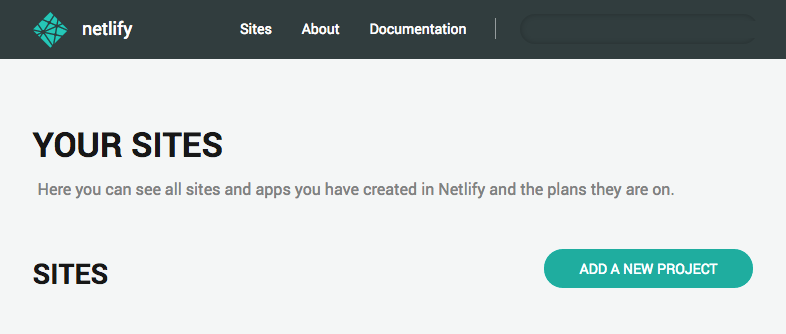
Creating a new site on Netlify is simple. Once you’ve logged in, you’ll be taken to https://app.netlify.com. If you’re just starting out, there’s only one option, Click the Add A New Project button shown above.